Case study · Qensa · 2024–2026

Qensa

A free, no-code page builder that makes a personal corner of the internet expressive again. As co-founder, I led product and design, from the vision and positioning to the editor, the brand and the launch.

Visit qensa.com
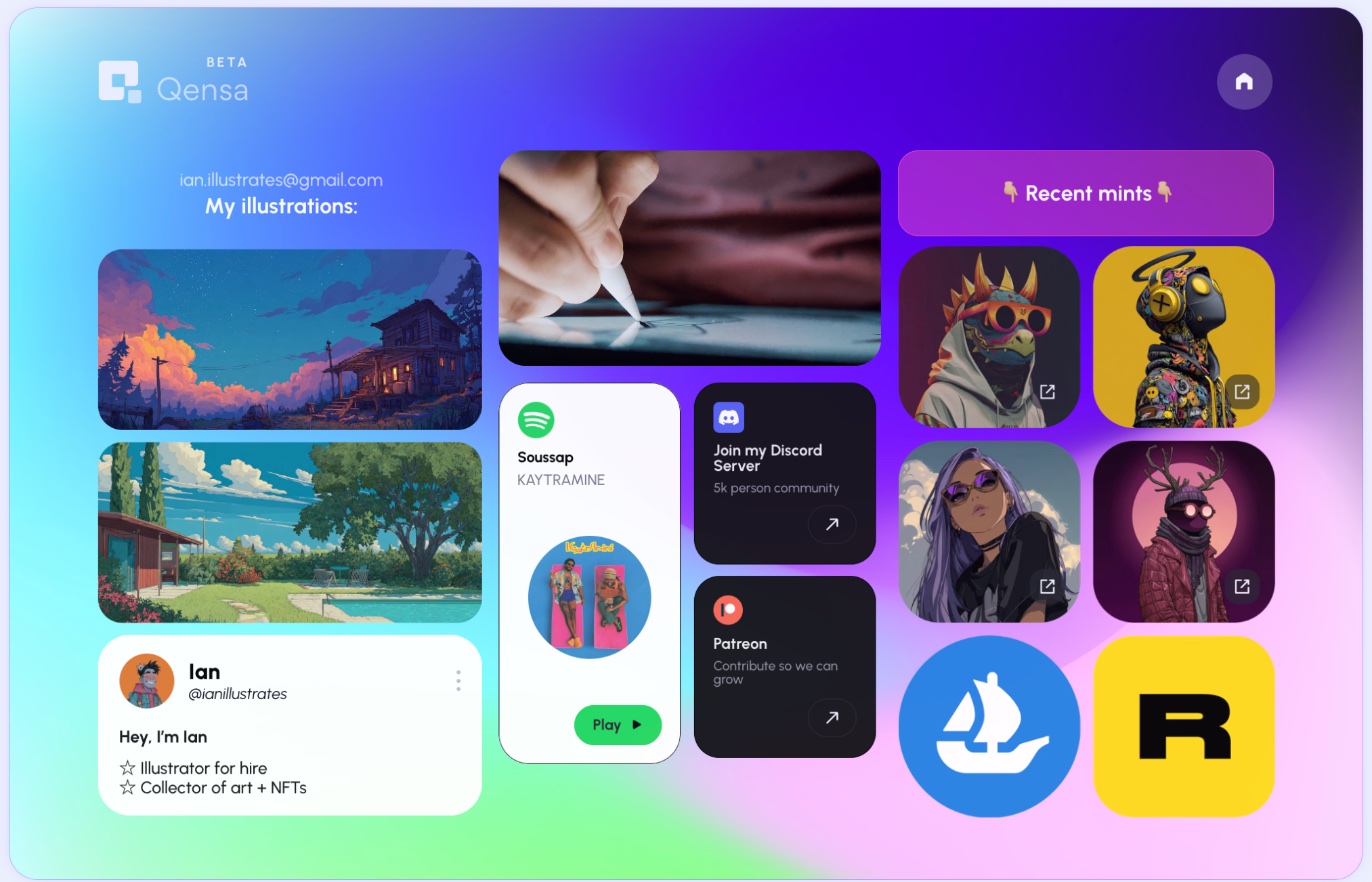
An illustrator's Qensa page: illustrations, NFT collections, a Spotify track and Discord and Patreon links on a violet-to-mint gradient.
My role
Head of Design + Product, Co-founder
Scope
Product vision, strategy, positioning, UX and interaction design, visual design, brand, marketing and go-to-market
Built with
Qensa’s engineering team
Status
Public beta, free

01The opportunity

Everyone’s corner of the internet had become the same stack of links.

Link-in-bio tools made sharing easy and made every page look alike. Qensa’s bet was to bring back the self-expression of the early web, with tools anyone could use.

My roleProduct vision, strategy and positioning

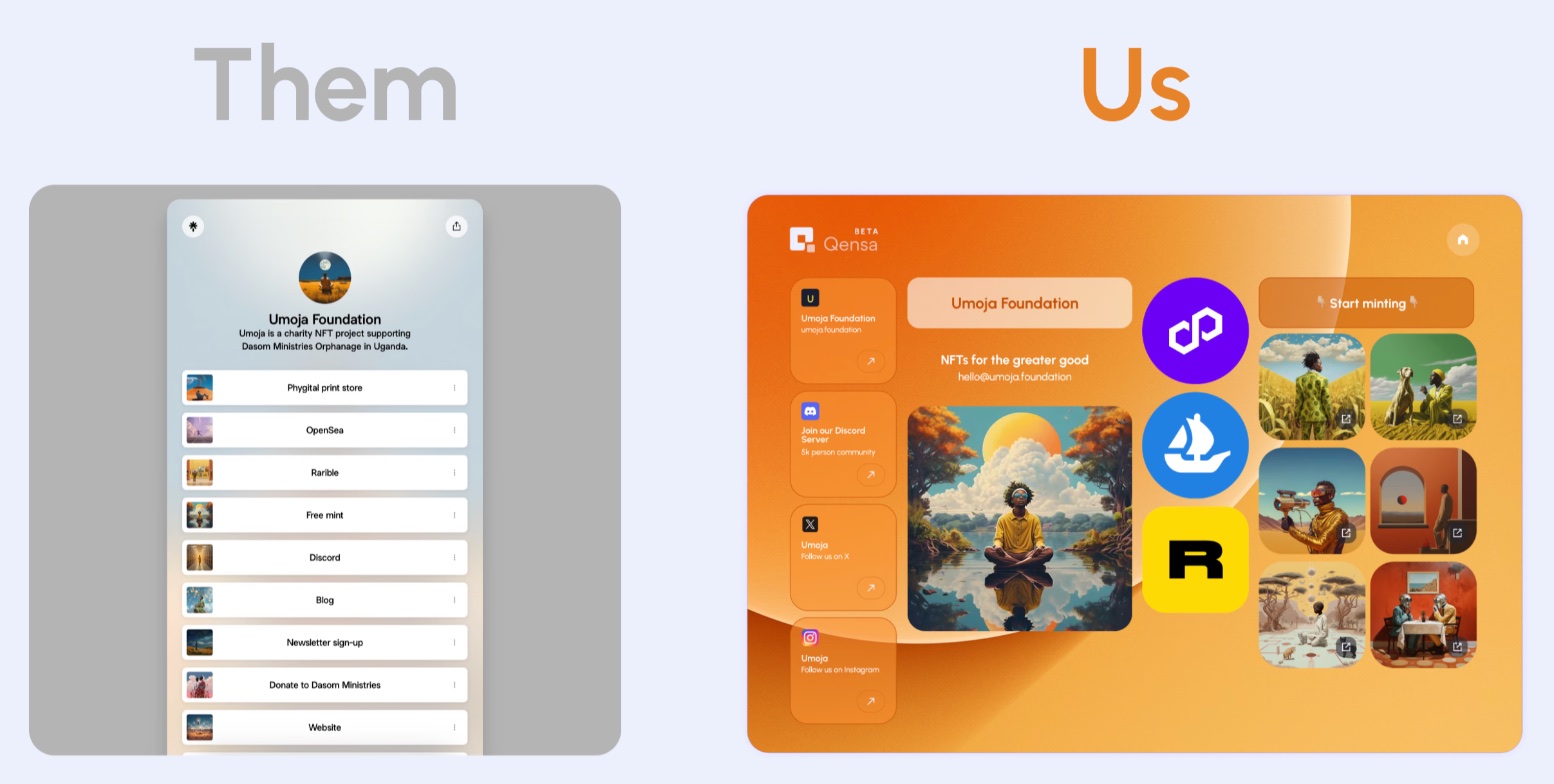
From the Qensa homepage: on the left, labelled Them, the Umoja Foundation page as a column of identical link buttons; on the right, labelled Us, the same content as a colourful Qensa page with artwork, widgets and an orange background.
The positioning
Myspace meets link in bio.
What the promise asked of the product
  1. No cost

    Free to use, so trying it is as easy as switching a link.

  2. No code

    Every choice made directly on the page, with nothing to configure or learn first.

  3. Just vibes

    Real creative range, from layout and widgets to colour, type and background.

02The editor

A free-form canvas that doesn’t need a designer.

The challenge was to give people real creative control without the weight of a design tool. The page itself is the workspace, and one floating toolbar holds everything else.

My roleUX, interaction and visual design

01Adding

Start with what you already have.

Every new widget comes from one panel. Paste a link and Qensa recognises it, or browse widgets for links, media, music, text, location and profiles.
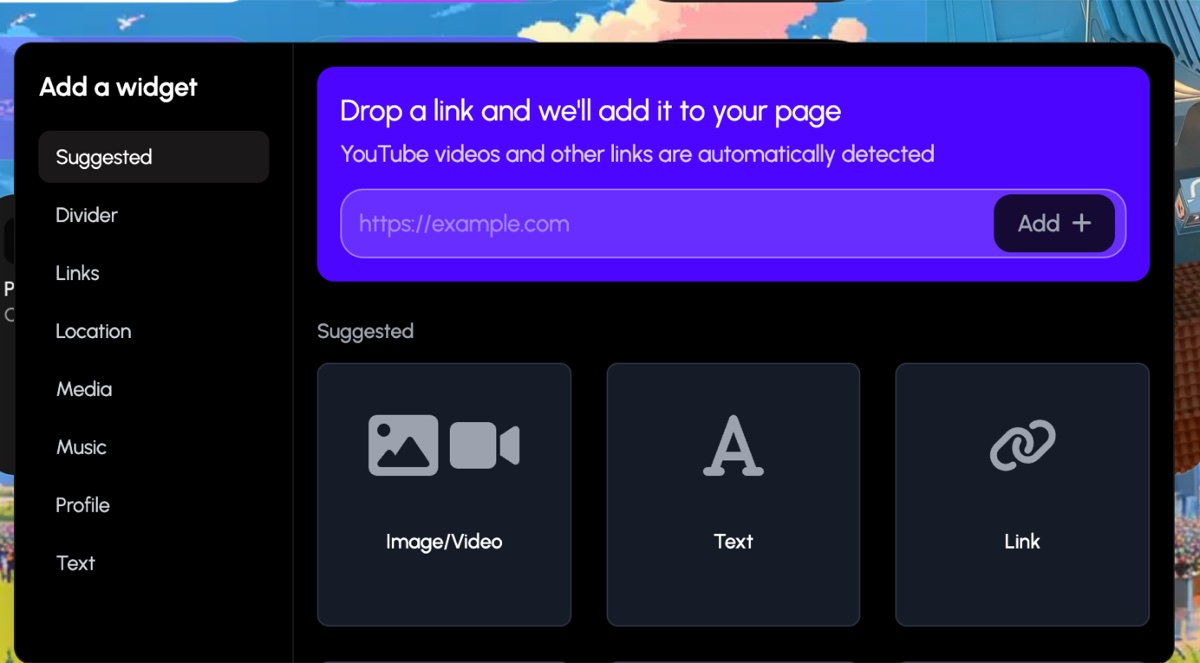
The Add a widget panel: a violet field reading Drop a link and we'll add it to your page, above widget categories and Image/Video, Text and Link tiles.
02Arranging

Arrange it by hand.

Widgets move directly on the canvas. Each one offers a short row of preset shapes, so a page stays orderly without anyone measuring or aligning.

03Styling

Style it where it lives.

Selecting a widget opens a compact Layout & Theme panel beside it: colour, text colour, corner radius, border and transparency. One change can update every widget of the same kind.

04Atmosphere

Set the vibe in one move.

The background sets the mood of the whole page, so it has its own place in the toolbar: a wallpaper library, solid colours, uploads and a built-in Unsplash search.

05Devices

Every screen gets its own layout.

Pages are composed on desktop, then rearranged for tablet and phone with the same drag and drop, so the mobile version is a deliberate design rather than a squeezed column.
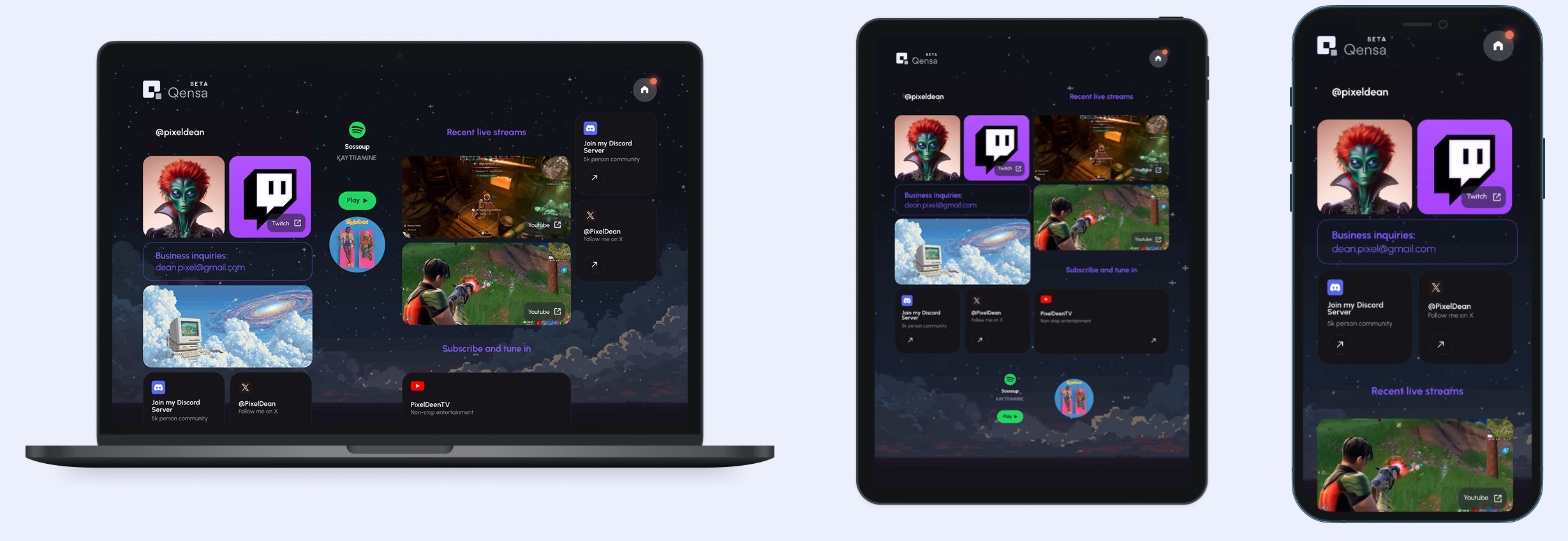
One Qensa page shown on a laptop, a tablet and a phone, each with its own arrangement of widgets.
06Publishing

Nothing goes live by accident.

Edits save as you go, but the public page changes only when you publish. A status pill flags unpublished changes, and every publish becomes a numbered version.

Widgets with personality.

Beyond links, widgets bring the things people love onto the page, each designed to feel at home in any style.

MusicSpotify tracks, with album art as an optional backdrop.
Images as linksYour own visuals, instead of generic buttons.
Lock in placeKeep finished pieces from moving while you edit.

03Self-expression

No two pages look alike.

The real measure of the editor is the range of what people make with it: portfolios, streams, collections and causes, each in its own visual language.
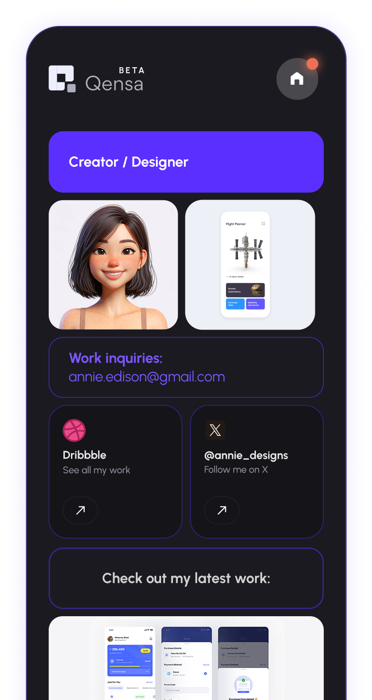
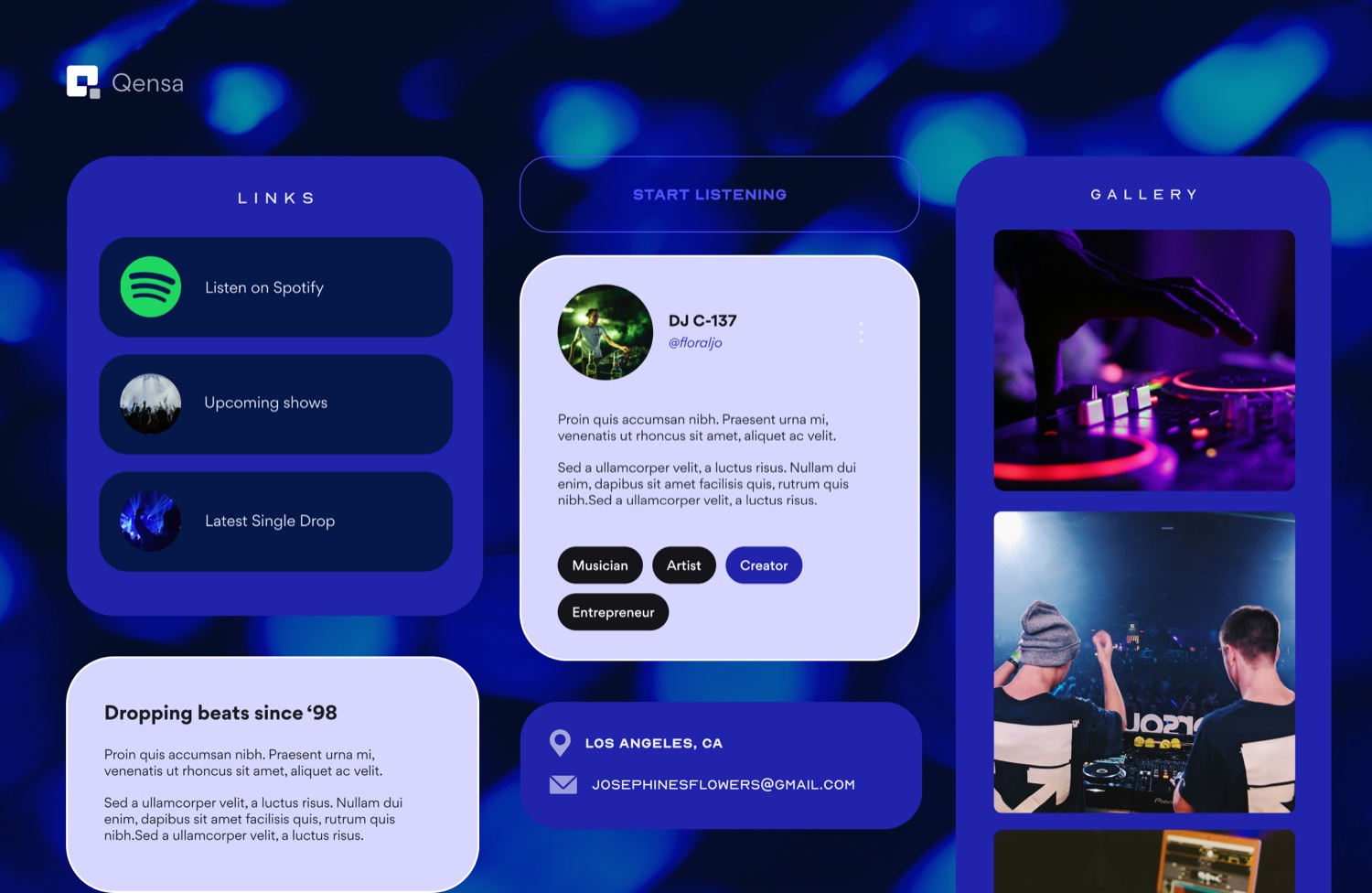
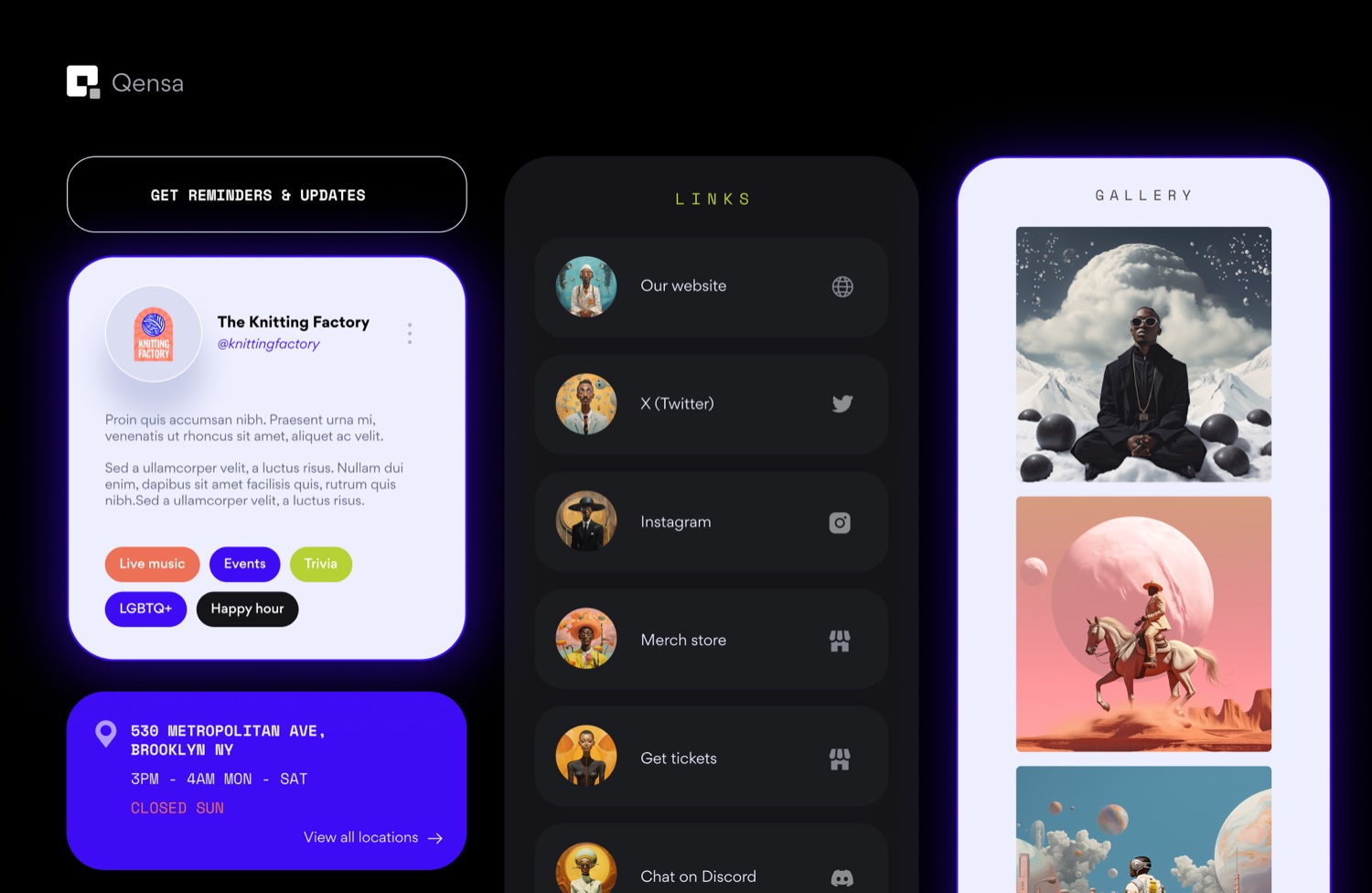
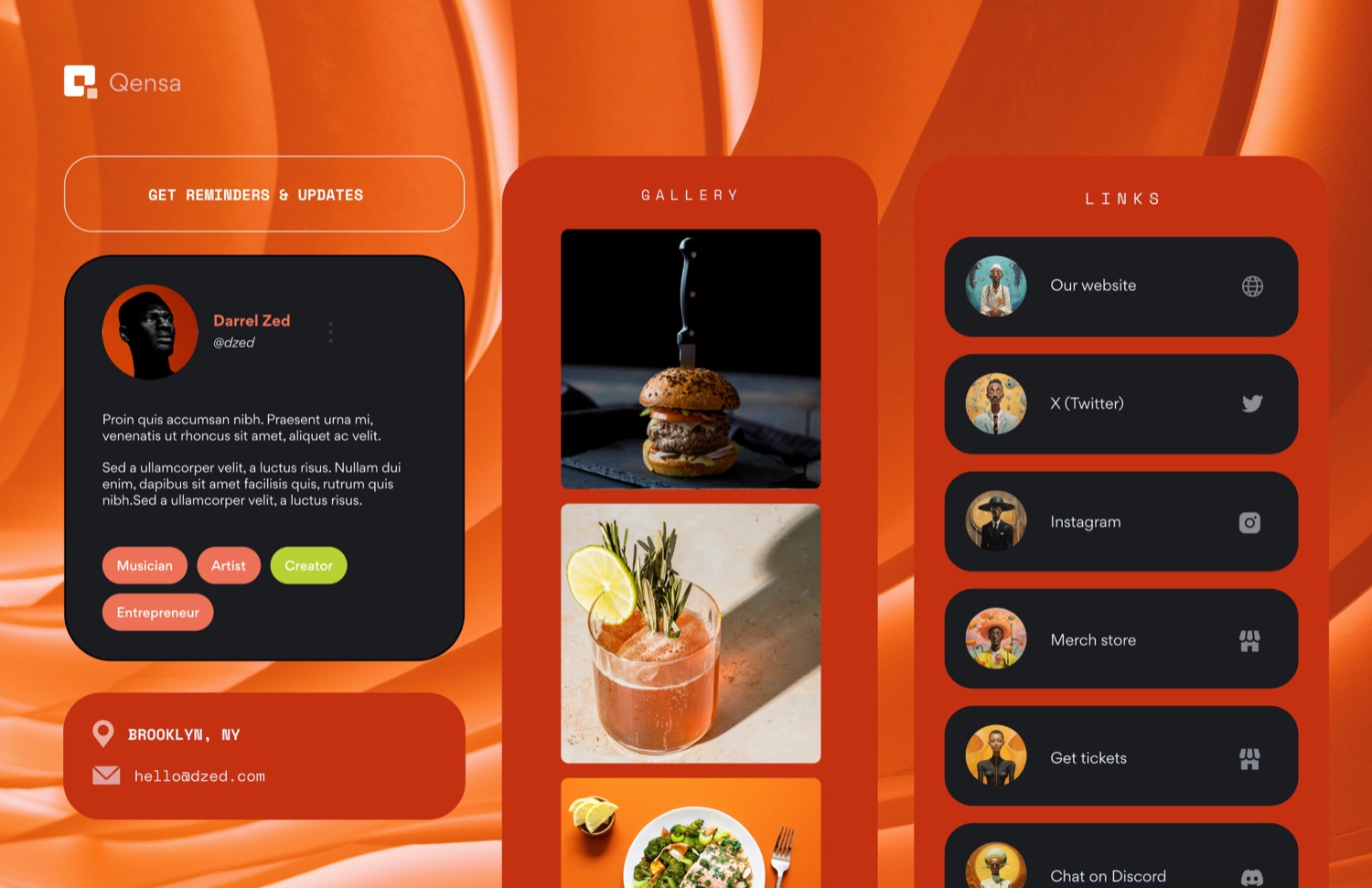
Pages made with Qensa, including demo pages created for launch and pages from the Qensa community.

04Brand and launch

A brand that plays along.

I shaped how Qensa looked and spoke, and how it reached people: the identity, the site, pages for each audience, community programs and a public changelog.

My roleBrand, marketing and go-to-market
The Qensa lockup: a white square Q mark with a small lavender square, beside the Qensa wordmark, on electric violet.
The gold Qensa beta badge, with the line Claim your Qensa badge.
Four cubes in black, violet, terracotta and lime, printed with the Qensa mark and the words Webpage, Build, Your, Today.
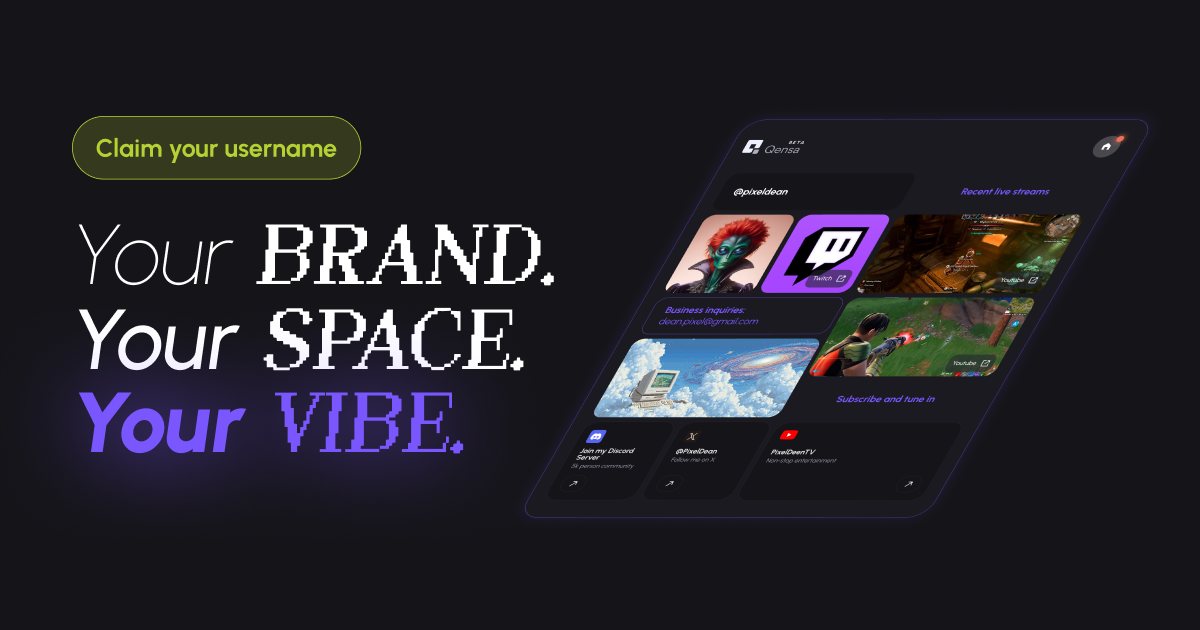
A launch social graphic: Claim your username. Your BRAND. Your SPACE. Your VIBE., beside a tilted Qensa page.
  • Myspace meets link in bio
  • No cost, no code, just vibes.
  • Your BRAND. Your SPACE. Your VIBE.
  • Create your page ✨

One product, told to each audience.

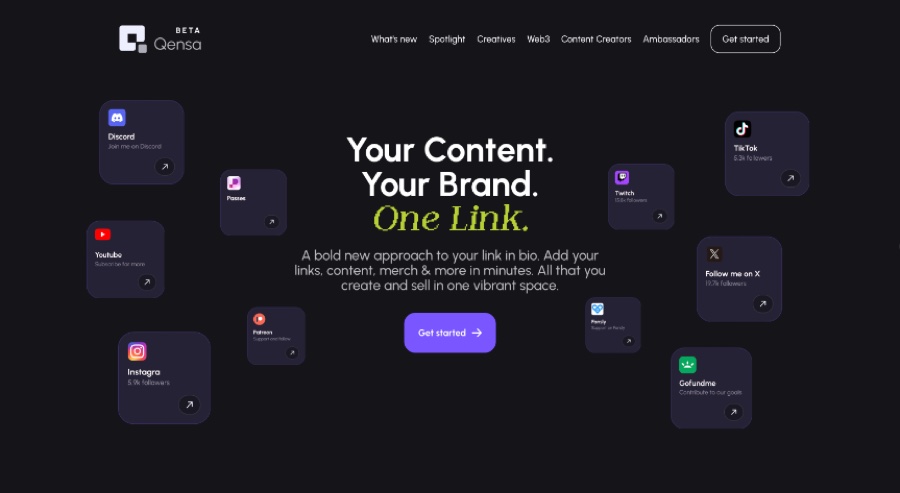
The site introduced Qensa differently to the people most likely to want more than links, each page in its own look: creatives building portfolios, content creators growing a community, and web3 projects gathering wallets, collections and Discords.
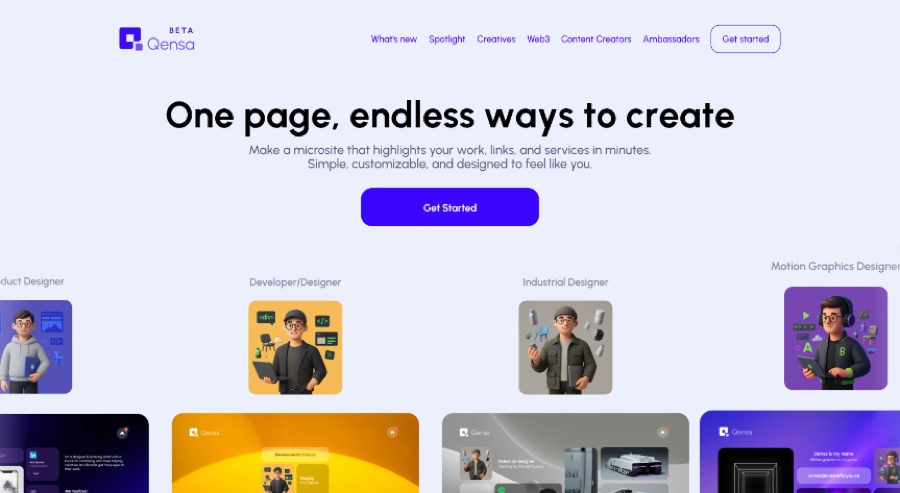
The Creatives page: One page, endless ways to create, with 3D characters for different design disciplines.
Creatives“One page, endless ways to create”
The Content Creators page: Your Content. Your Brand. One Link., surrounded by floating platform cards.
Content creators“Your Content. Your Brand. One Link.”
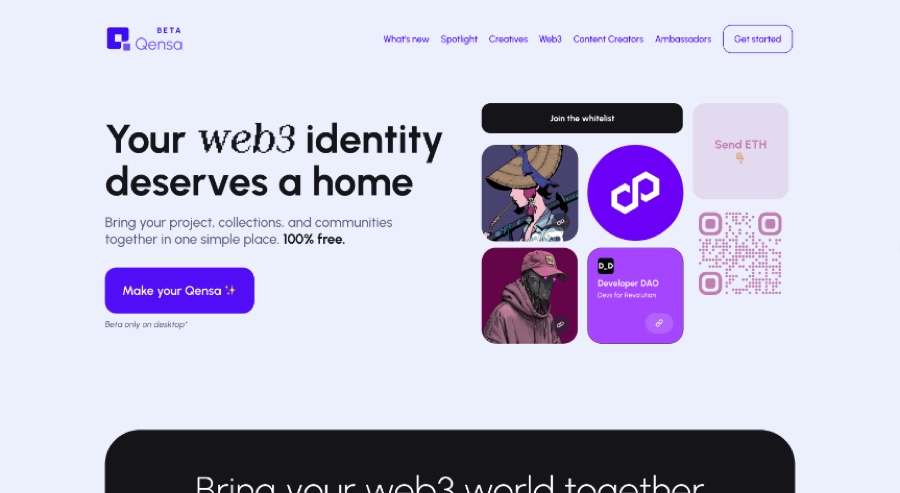
The Web3 page: Your web3 identity deserves a home, beside NFT and wallet widgets.
Web3“Your web3 identity deserves a home”
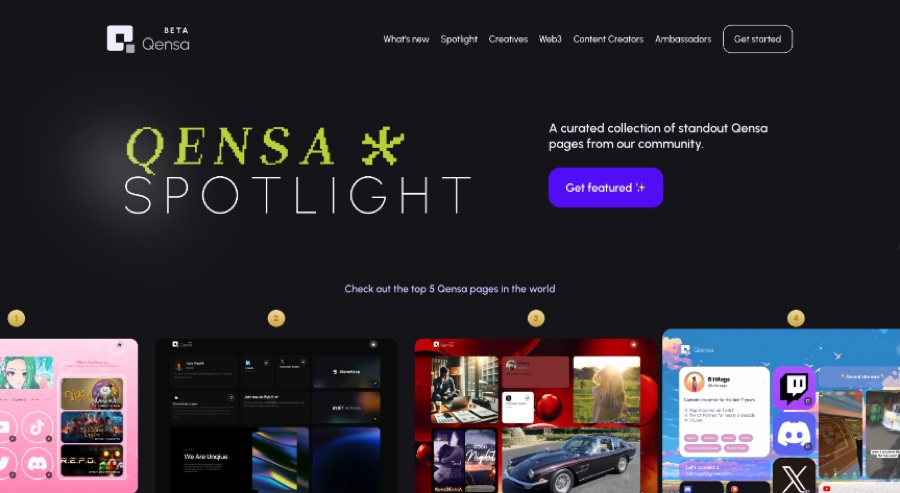
The Qensa Spotlight page in pixel lime and white type, with featured community pages below.
SpotlightA showcase of community pages

Growing with the community.

  • SpotlightA curated collection of standout pages, with tips for making a page your own.
  • Beta badgeA badge for early members, with early access to new widgets.
  • AmbassadorsAn open application for creators who want to help others get started and test new features.

Shipping in public.

A public What’s New page turned steady product work into a reason to come back.

  1. Dec 2025The Qensa beta badge
  2. Nov 2025Downloadable files
  3. Oct 2025Up to three spaces per account
  4. Oct 2025Spotify and Apple Music
  5. Oct 2025Qonnect, for discovering other pages
  6. Sep 2025YouTube videos
  7. Sep 2025SEO settings
  8. Aug 2025Links on images, and Unsplash backgrounds
  9. Jul 2025Privacy controls
  10. Jul 2025Restyle every widget of a kind at once
  11. Jul 2025Mobile and tablet layouts

05Leadership

Leading Qensa as a co-founder.

I owned the product and everything people see and feel, from what Qensa is for to how it looks, works and reaches the people it was made for.

  • Product visionWhat Qensa is, and who it’s for
  • Strategy and positioningFree, no code, expressive
  • UX and interaction designThe editor, widgets and publishing
  • Visual designThe product, pages and templates
  • Brand identityMark, voice and launch visuals
  • Marketing and go-to-marketSite, audience pages, social and community

Built with Qensa’s engineering team, who engineered the product.

Qensa is free and in public beta.